








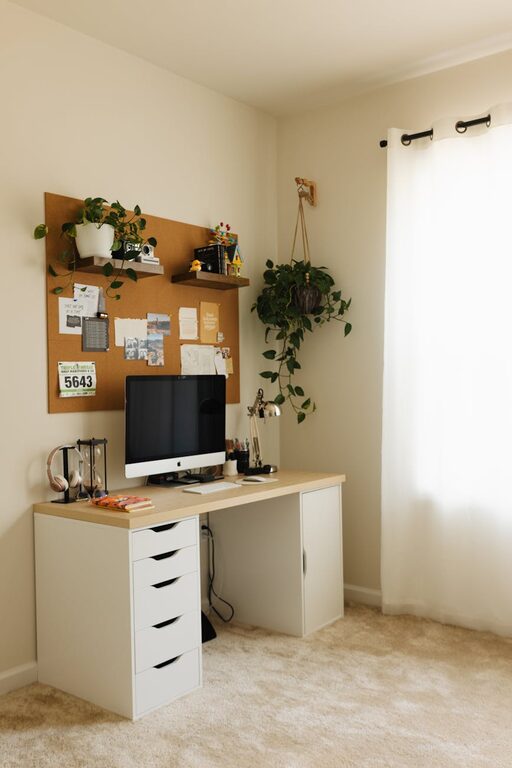
Creating a cozy and productive home workspace is essential for anyone working remotely or managing tasks from home. When your workspace is inviting and well-organized, it can greatly improve your focus, reduce stress, and even boost creativity. Whether you have a dedicated room or a small corner, this guide offers helpful tips to turn your area into a perfect home office.
Choose the Right Location
Consider Natural Light
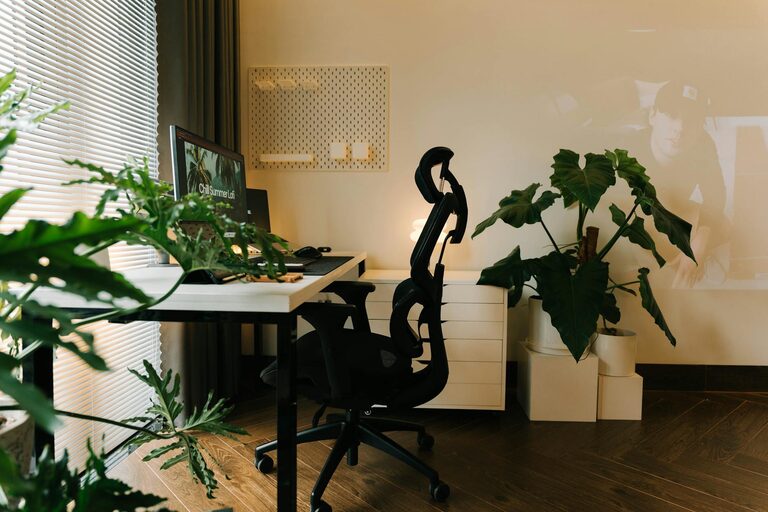
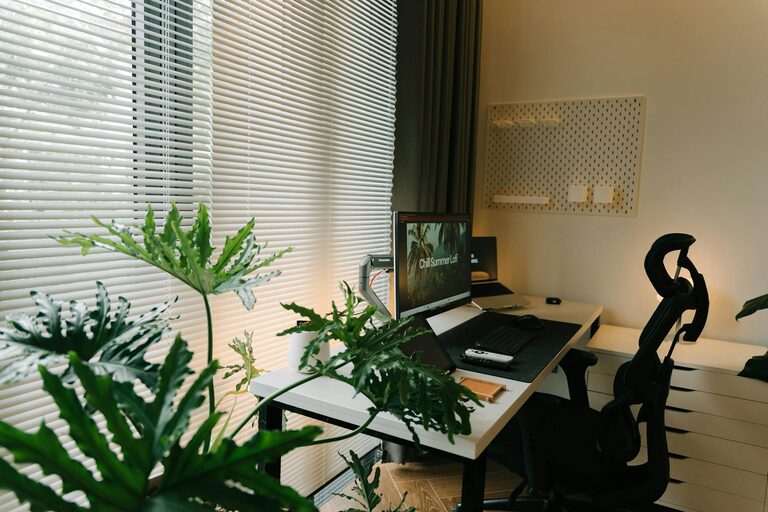
Opt for a spot that gets plenty of natural light. Sunlight helps improve mood, energy, and alertness. Placing your desk near a window can also provide a pleasant view and reduce eye strain.
Minimize Distractions
Pick a quiet area, away from busy parts of the home like the kitchen or living room. If you don’t have a separate room, use room dividers or curtains to create a sense of separation.
Invest in Comfortable Furniture
Ergonomic Chair
A chair that supports your back and promotes good posture is a must. Look for adjustable features like seat height, armrests, and lumbar support to suit your body.
Functional Desk
Choose a desk that fits your space and work needs. A surface large enough for your computer, documents, and other tools will keep you organized and productive.
Add Soft Textures
Incorporate cushions, rugs, or a cozy throw blanket to soften the space and increase comfort during long work sessions.
Organize Efficiently
Declutter Regularly
A clutter-free desk helps you stay focused. Use trays, drawers, and organizers to keep essential items within reach while hiding unnecessary clutter.
Use Vertical Storage
Shelves, pegboards, and wall-mounted organizers save space and keep supplies visible yet tidy.
Manage Cables
Tangle-free cables reduce stress and make cleaning easier. Use clips, sleeves, or cable boxes to keep wires under control.
Personalize Your Space
Add Greenery
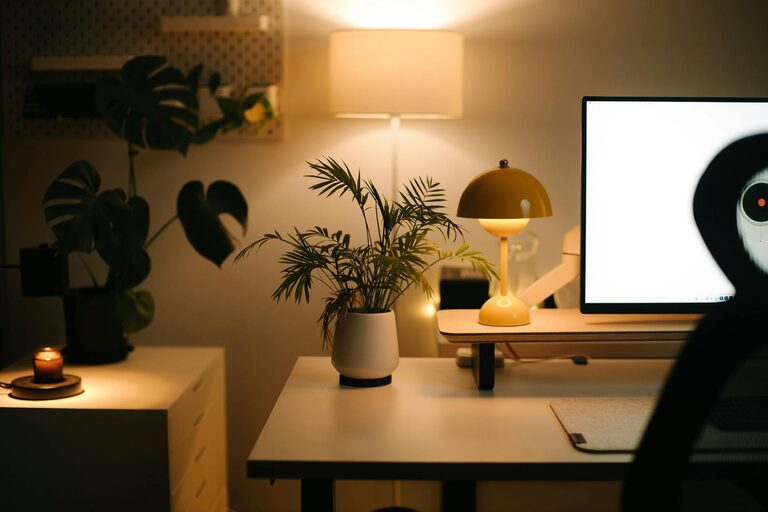
Houseplants not only beautify your space but can also improve air quality and reduce stress. Choose low-maintenance plants if you don’t have a green thumb.
Display Inspiring Items
Include photos, artwork, or motivational quotes that lift your spirits and encourage productivity.
Choose Calming Colors
Soft blues, greens, or neutrals create a relaxing environment that helps maintain focus.
Optimize Lighting
Use Layered Lighting
Combine overhead light, task lighting (like a desk lamp), and ambient lighting to reduce eye strain and set the right mood.
Opt for Adjustable Lights
Lamps with dimmer switches or adjustable brightness help you customize light levels depending on the time of day.
Maintain a Healthy Routine
Take Regular Breaks
Stand, stretch, or walk around every hour to avoid stiffness and refresh your mind.
Stay Hydrated and Nourished
Keep a water bottle nearby and snack on healthy foods to maintain energy throughout the day.
Set Boundaries
Define your working hours and stick to them to balance productivity and rest.
Incorporate Technology Smartly
Use Quality Equipment
Invest in reliable technology such as a comfortable keyboard, a good monitor, and noise-canceling headphones to improve efficiency.
Keep Software Updated
Regularly update your apps and security software to avoid disruptions.
Minimize Notifications
Turn off non-essential notifications during work time to maintain focus.
Create a Pleasant Atmosphere
Control Temperature
Ensure your workspace is neither too hot nor too cold. A fan, space heater, or adjustable thermostat can help.
Use Pleasant Scents
Essential oils or scented candles can make your workspace inviting, but be sure they are subtle to avoid distraction.
Play Background Music
If you find it helpful, play soft background music or ambient sounds to increase concentration.
—
Creating the ideal home workspace involves a balance of comfort, organization, and personalization. By following these tips, you can design an area that makes working from home enjoyable and productive. Start small, make gradual improvements, and adapt your space to fit your evolving needs. A cozy and efficient workspace can truly transform your daily work experience.