








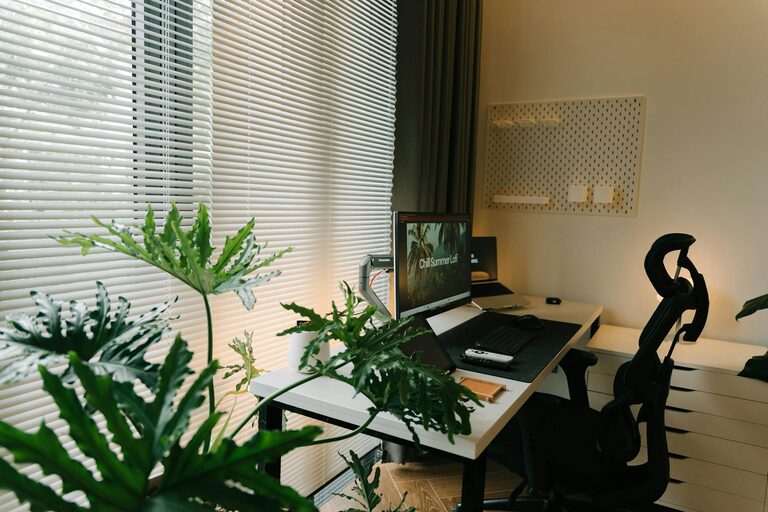
Creating a home workspace that is both relaxing and productive can make a big difference in your work-from-home experience. When your work area feels comfortable and organized, it’s easier to focus, reduce stress, and maintain a healthy work-life balance. Whether you have a dedicated room or just a small corner, these tips will help you craft the perfect home workspace.
Choose the Right Location
Consider Natural Light
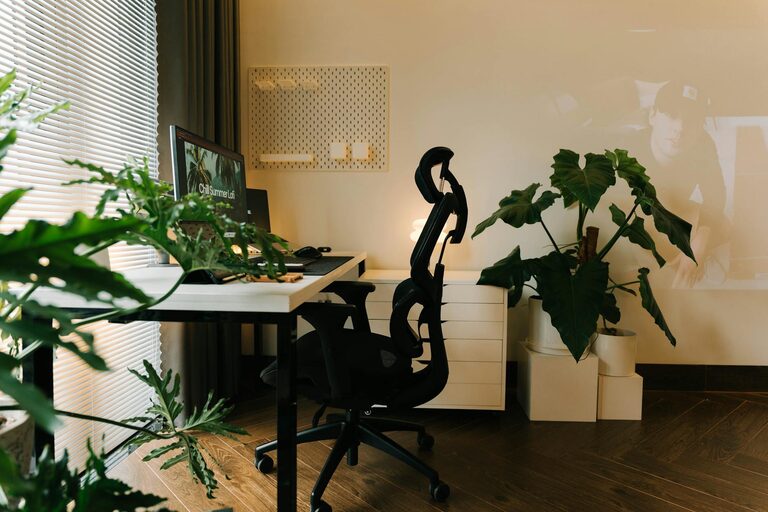
Natural light helps reduce eye strain and boosts mood. If possible, place your desk near a window where you can enjoy daylight without glare on your screen.
Minimize Noise and Distractions
Find a quiet spot away from household noise. Use noise-cancelling headphones or white noise machines if needed to maintain concentration.
Invest in Comfortable Furniture
Ergonomic Chair
A supportive chair that encourages good posture is key to comfort during long hours of work. Look for adjustable height and lumbar support.
Functional Desk
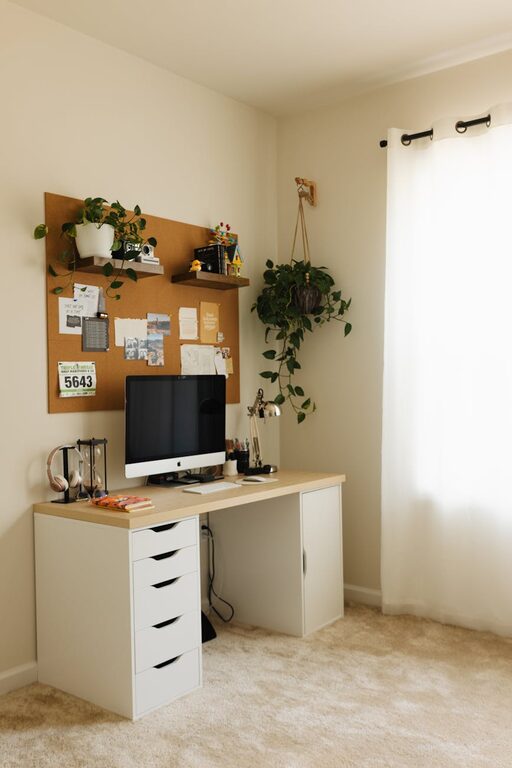
Choose a desk that fits your space and work style. A clutter-free surface allows you to stay organized and focused.
Organize Your Space for Efficiency
Declutter Regularly
Keep only items you use daily on your desk. Store papers, office supplies, and tech accessories in drawers or organizers to reduce clutter.
Use Storage Solutions
Shelves, filing cabinets, or boxes help keep your workspace tidy and your important documents within reach.
Personalize Without Overdoing It
Add Greenery
Plants can improve air quality and add a calming touch to your workspace. Choose low-maintenance options like succulents or spider plants.
Decorate Mindfully
Use artwork or items that inspire and motivate you, but avoid overcrowding your space. A few meaningful decorations can make your workspace welcoming.
Optimize Lighting for Comfort
Combine Lighting Sources
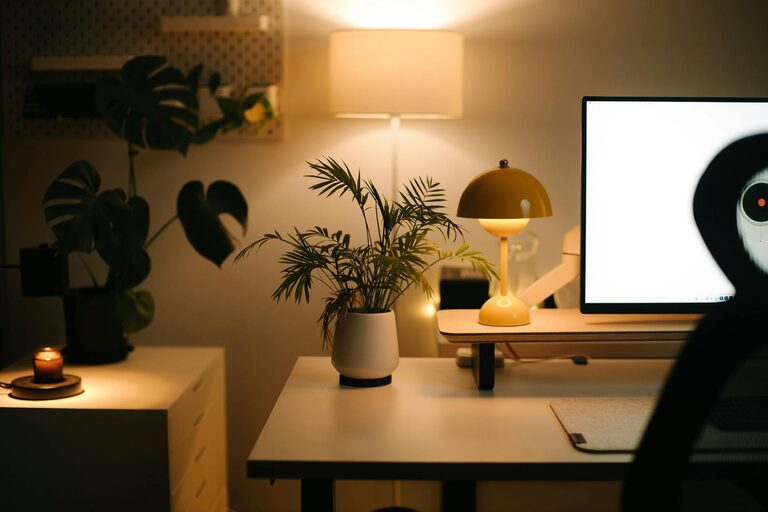
Use a mix of natural light, overhead lamps, and task lighting to reduce eye strain and create a warm ambiance.
Avoid Glare
Position screens and lights to prevent glare, which can cause discomfort and reduce productivity.
Establish a Routine and Boundaries
Set Work Hours
Define clear start and finish times to help separate work from personal life.
Take Breaks
Regular short breaks help maintain focus and reduce fatigue. Use this time to stretch, walk, or relax briefly.
Incorporate Technology Wisely
Reliable Equipment
Invest in a good quality computer, keyboard, and mouse that suit your ergonomic needs.
Cable Management
Keep cords organized and out of the way to prevent distractions and accidents.
Maintain Cleanliness and Air Quality
Regular Cleaning
Dust and clean your workspace often to create a fresh environment.
Improve Air Flow
If possible, open windows or use air purifiers to keep air fresh, which can help improve concentration and well-being.
Add Relaxation Elements
Comfortable Textiles
Consider a cozy rug, a cushion, or a soft blanket to make your space inviting.
Calm Scents
Use subtle essential oils or candles with relaxing scents like lavender or eucalyptus to create a peaceful atmosphere.
—
By thoughtfully planning your home workspace, you can turn it into a place where productivity and relaxation go hand in hand. Implement these tips gradually, tailoring your space to your personal preferences and needs for the best results. A well-designed workspace supports both your work goals and overall well-being, helping you thrive while working from home.